Navidrome speaks the Subsonic API, which means dozens of music apps can connect to it. Here are the best options for each platform.
Android — Symfonium
Symfonium is a one-time purchase (~$5) and the best Subsonic client on Android.
To skip typing the server address, choose Connect a phone from the ⋯ menu on your Navidrome card in Terrarium and scan the code with your phone. It opens these steps with the address ready to copy.
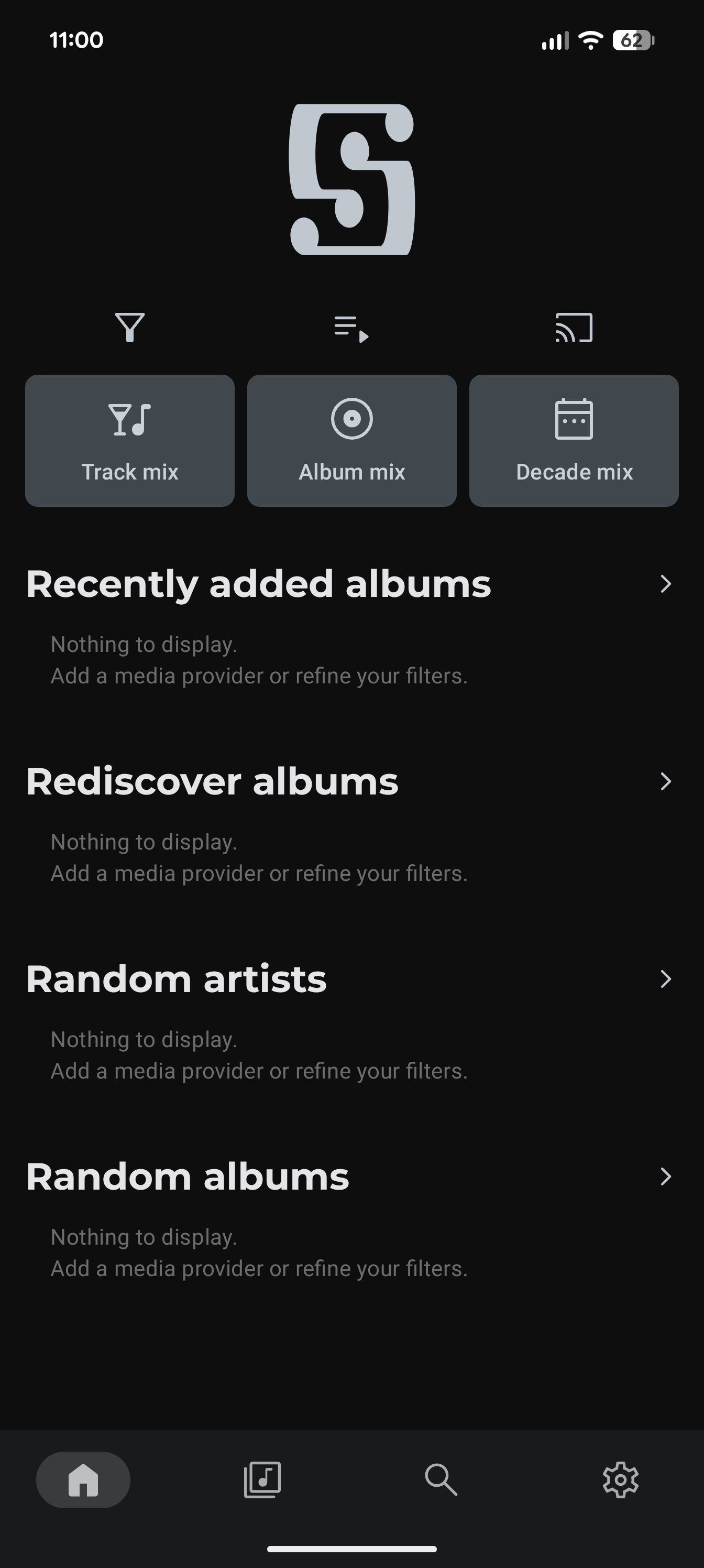
- Install Symfonium from the Google Play Store and open it. Tap the settings icon (gear) in the bottom right.
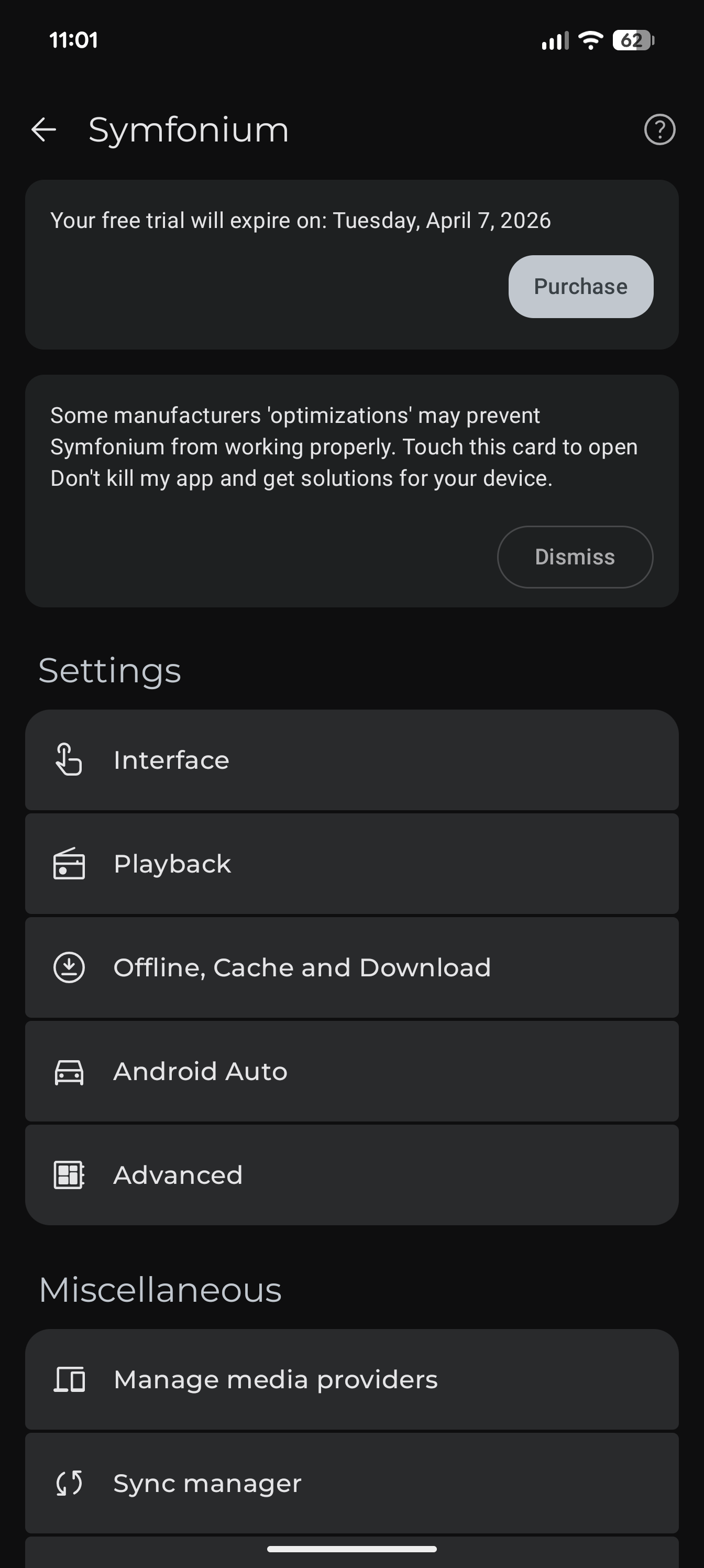
- Scroll down and tap Manage media providers.
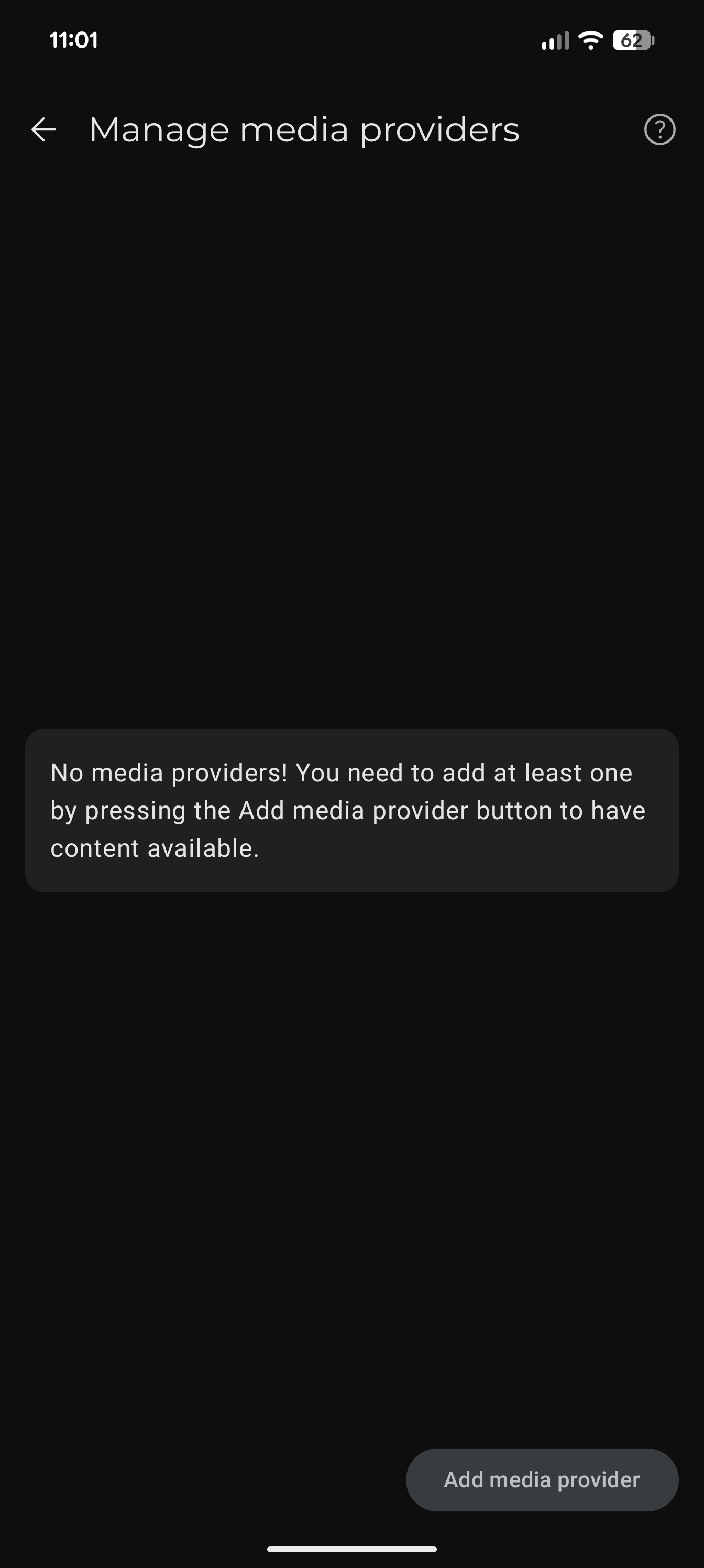
- Tap Add media provider at the bottom.
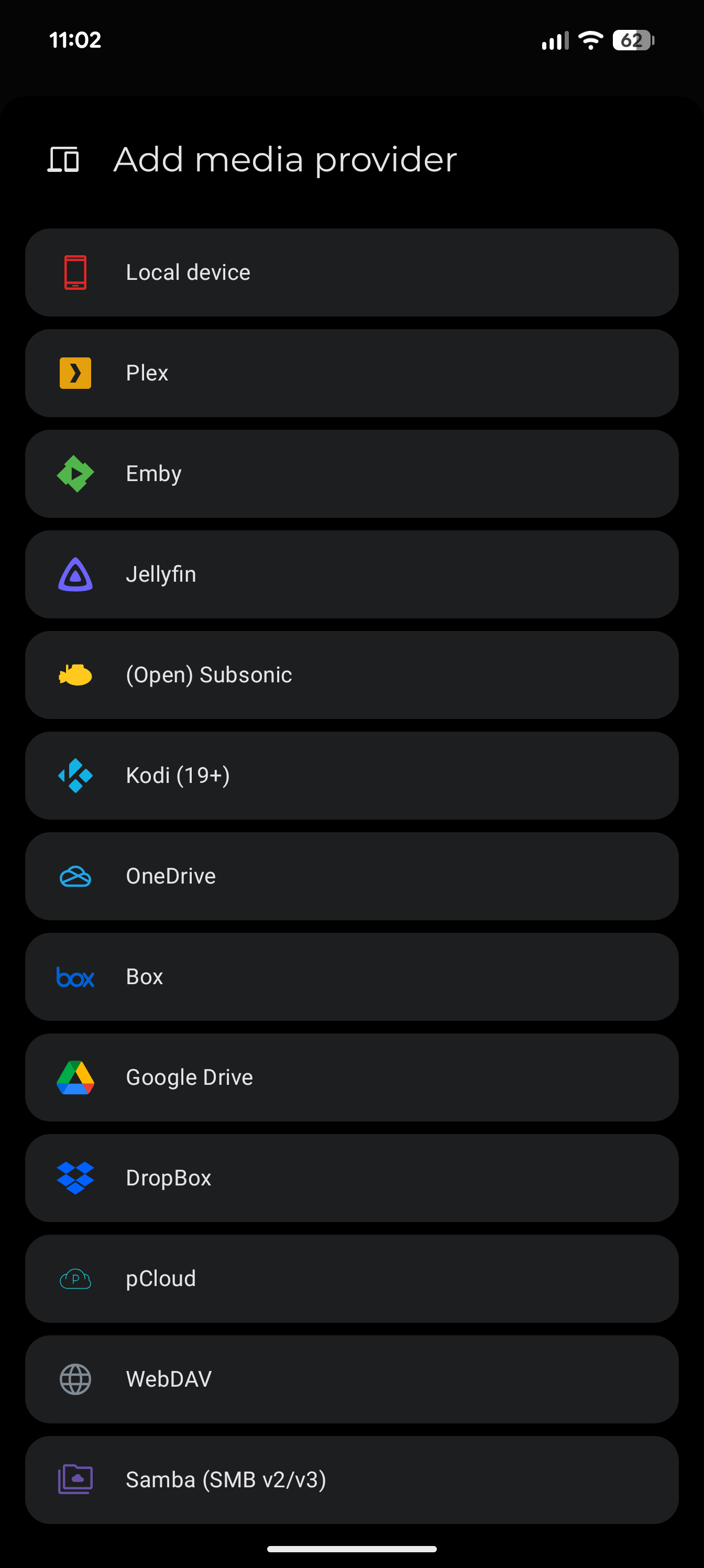
- Select (Open) Subsonic from the list.
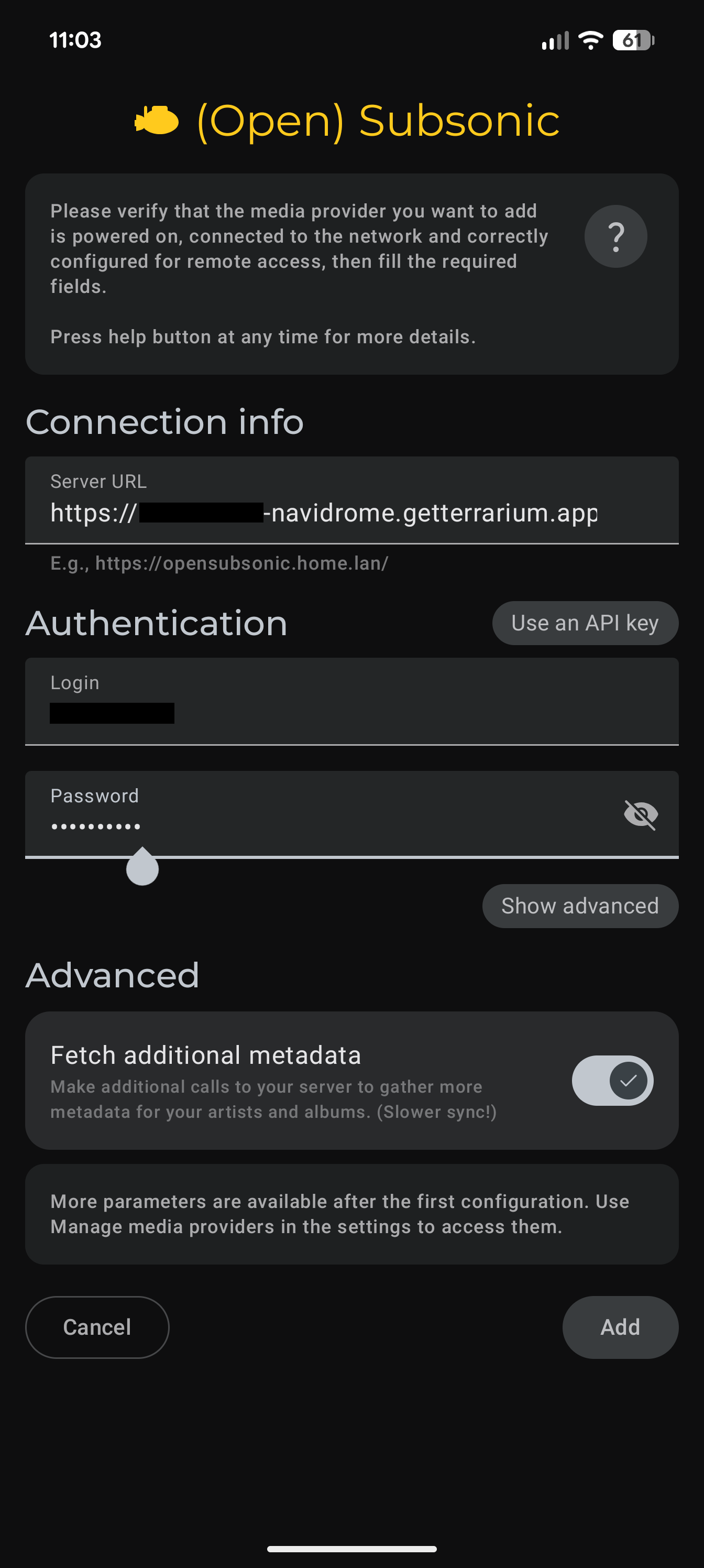
Fill in the connection details:
- Server URL:
https://{username}-navidrome.getterrarium.app - Login: the username you created when you installed Navidrome
- Password: the password you created when you installed Navidrome
Then tap Add.
- Server URL:
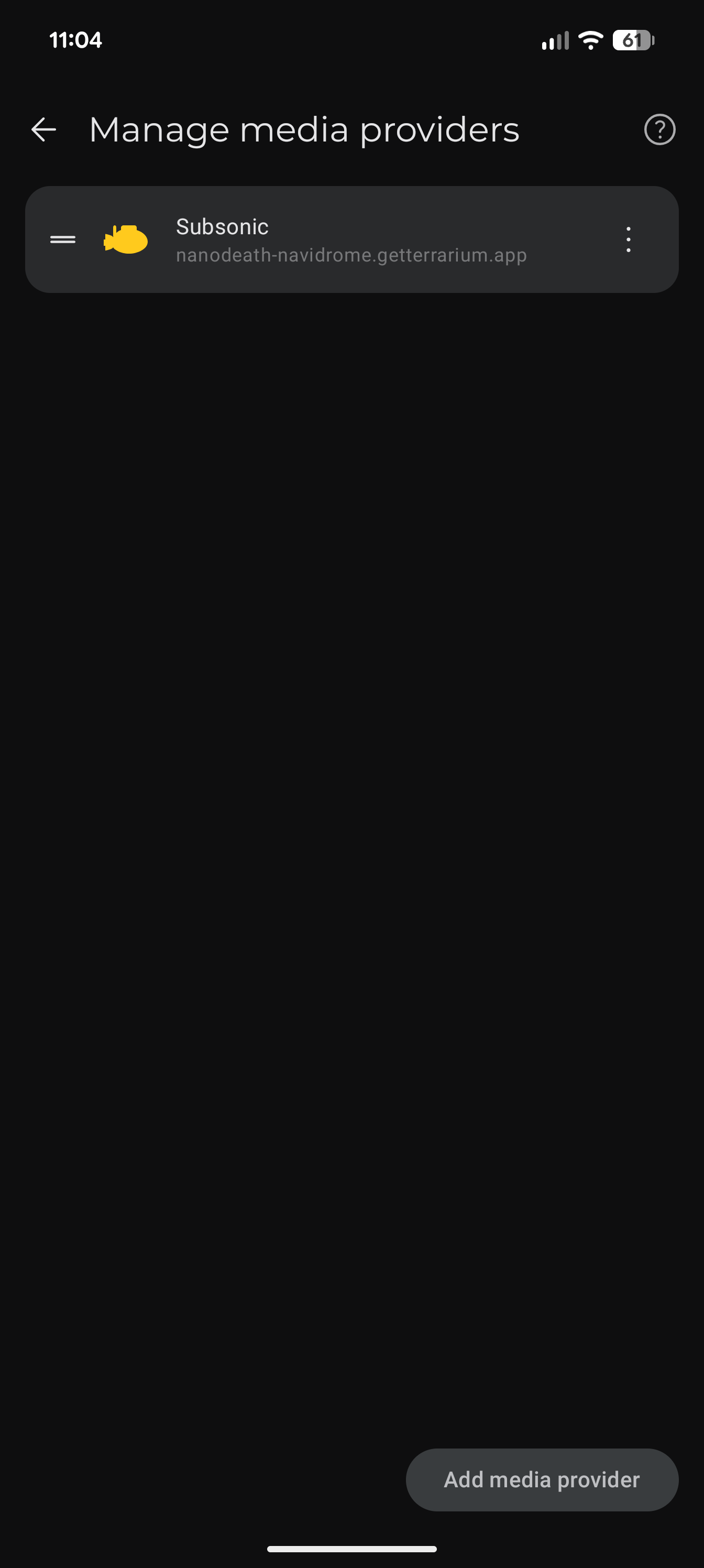
- You'll see your provider listed.
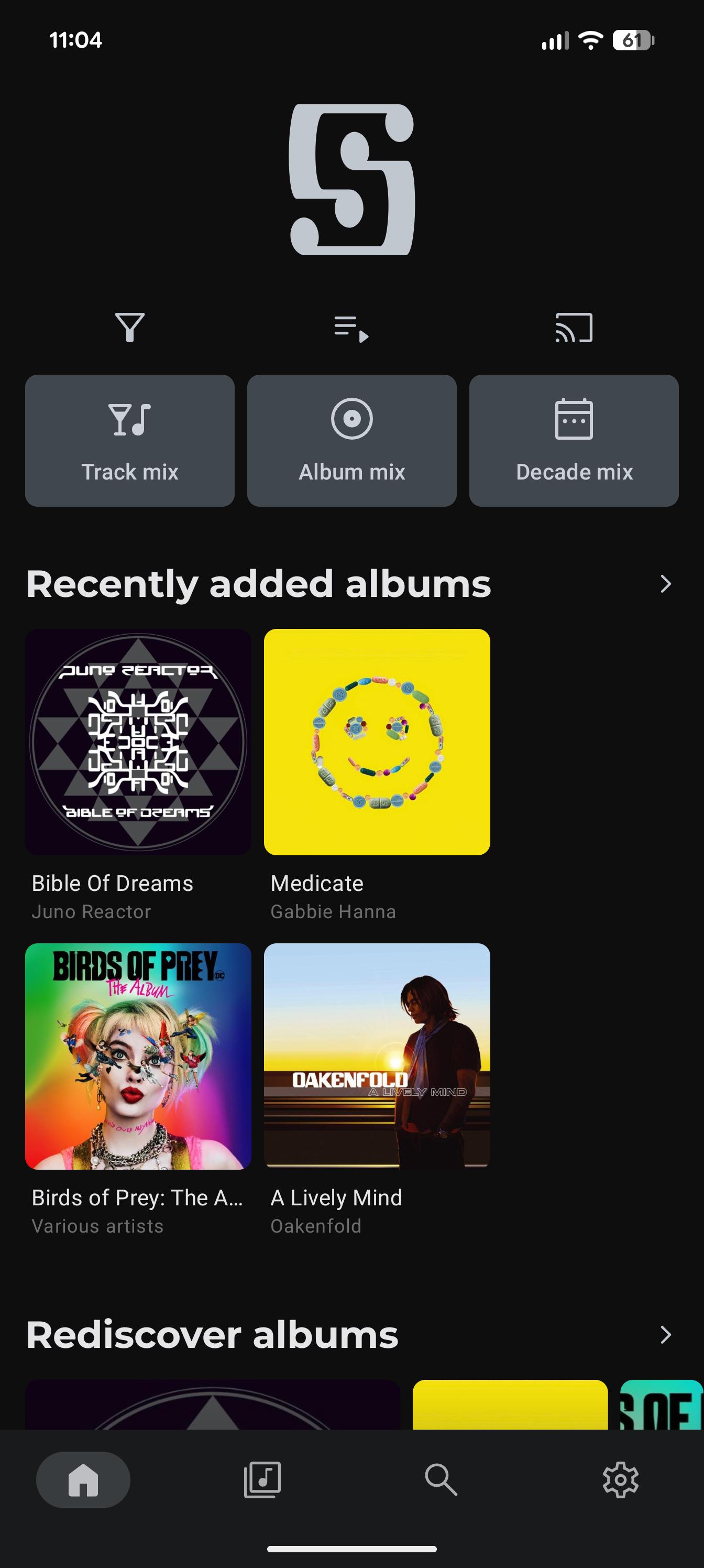
- Go back to the home screen — your library is ready to browse and play.
iOS — Substreamer
On iPhone/iPad, play.substreamer.com is a web-based player that works well:
- Open Safari and go to play.substreamer.com
- Enter your Navidrome URL, username, and password
- Tap the share button and select Add to Home Screen for an app-like experience
There are also native iOS apps like play:Sub and Amperfy on the App Store.
Your Navidrome URL and credentials
Your Navidrome URL is always https://{username}-navidrome.getterrarium.app. You can also find it by clicking Open on your dashboard.
The username and password are not your Terrarium login — Navidrome manages its own accounts. You created these credentials when you installed Navidrome. If you've forgotten them, open Navidrome in your browser and use the admin panel to reset.
Other Subsonic apps
Any app that supports the Subsonic or OpenSubsonic API works with Navidrome. Some popular ones:
- DSub (Android, free) — Mature, reliable
- Ultrasonic (Android, free/open source)
- play:Sub (iOS) — Native Subsonic client
- Sublime Music (Linux desktop)